Cognitive overload
Character motion, dialogue, and lesson content can compete for limited working memory.


An AR Learning
Companion App
Overview
Experience the projectExtended reality (XR) offers learners more immersive and interactive ways to engage with educational content, both in classrooms and daily life. Research shows that virtual learning companions can strengthen motivation, engagement, attention, and social presence by making learning feel more responsive and supported. But immersion alone doesn't guarantee real learning in some recent designs: interactive features and multimodal media might distract from the lesson itself, and the smoothness of XR experiences may create an illusion of mastery, leaving learners confident without truly understanding the material. Emotional attachment to these companions can also risk replacing relationships with teachers, parents, or peers. These tensions led us to explore and design an AR companion that could preserve presence and motivation while using deliberate scaffolding to reduce distraction, manage cognitive load, and keep learning at the center of the experience.
Character motion, dialogue, and lesson content can compete for limited working memory.
A fluent interaction may feel understood before a learner can explain or transfer it.
Companion care should sustain learning—not displace teachers, parents, or peers.
How might we design an AR companion that creates a meaningful learning experience while minimizing distraction?
How might we help children move from receiving answers to actively retrieving, organizing, and explaining knowledge?
How might the experience sustain motivation and assess learners' knowledge while preventing an illusion of learning?
Students may mistake passive assistance for genuine understanding.
Position LumiPal as the learner so children teach, answer guiding questions, and expose gaps in their own understanding.
Students may lose focus when immersive interactions compete for their attention.
Use concise, spatially aligned guidance and reduce decorative behavior.
Students may find independent learning lonely and difficult to sustain.
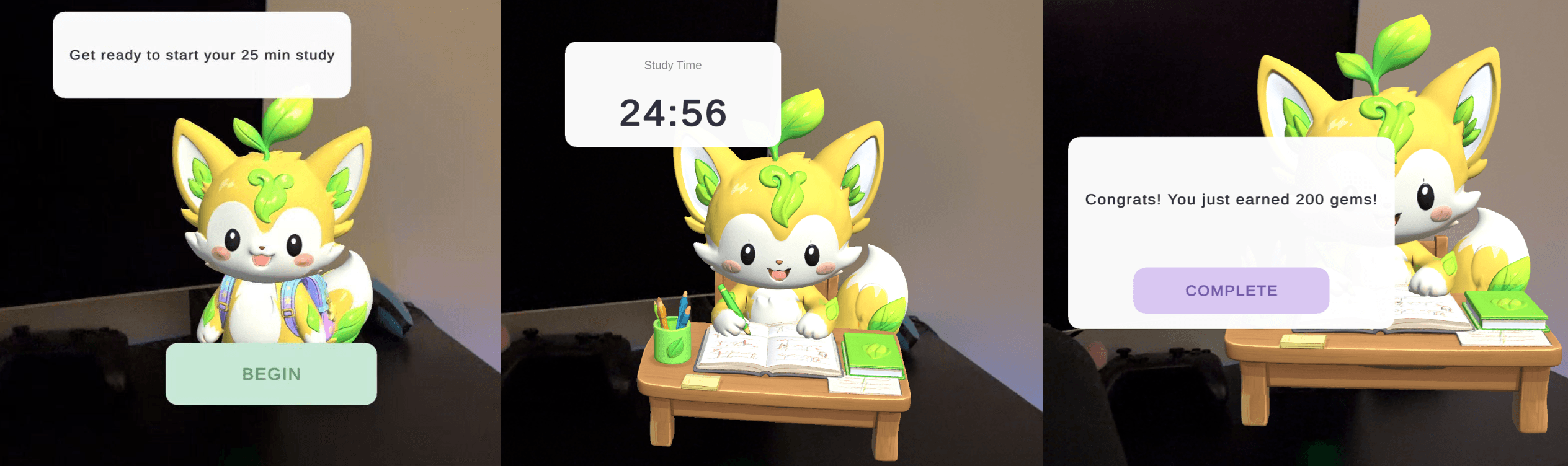
Provide a manageable 25-minute focus session with completion feedback.
Students may be rewarded for time in the app rather than meaningful learning.
Connect gems and companion growth to teaching, focusing, and reviewing.
Users may struggle to connect standalone learning apps with classroom priorities.
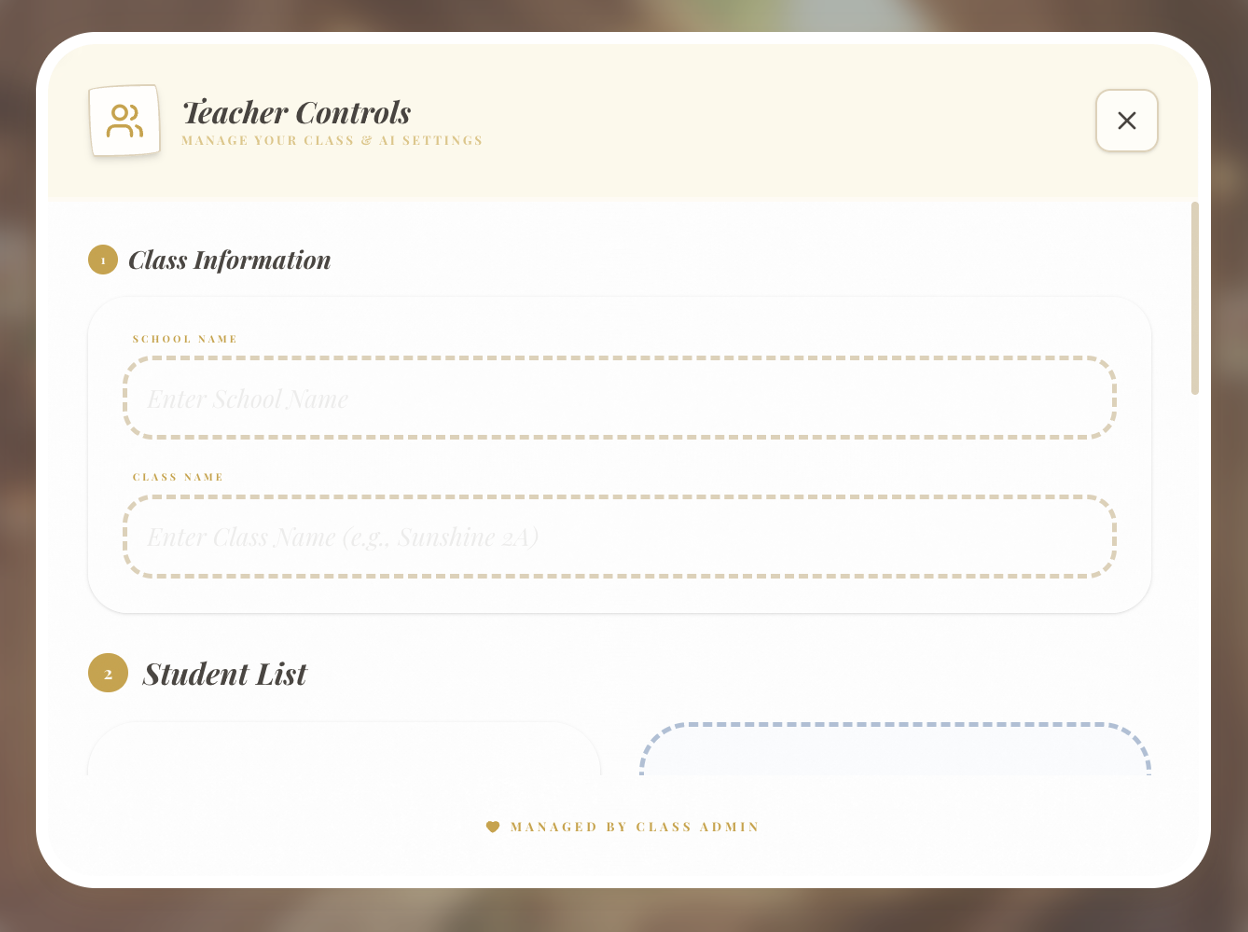
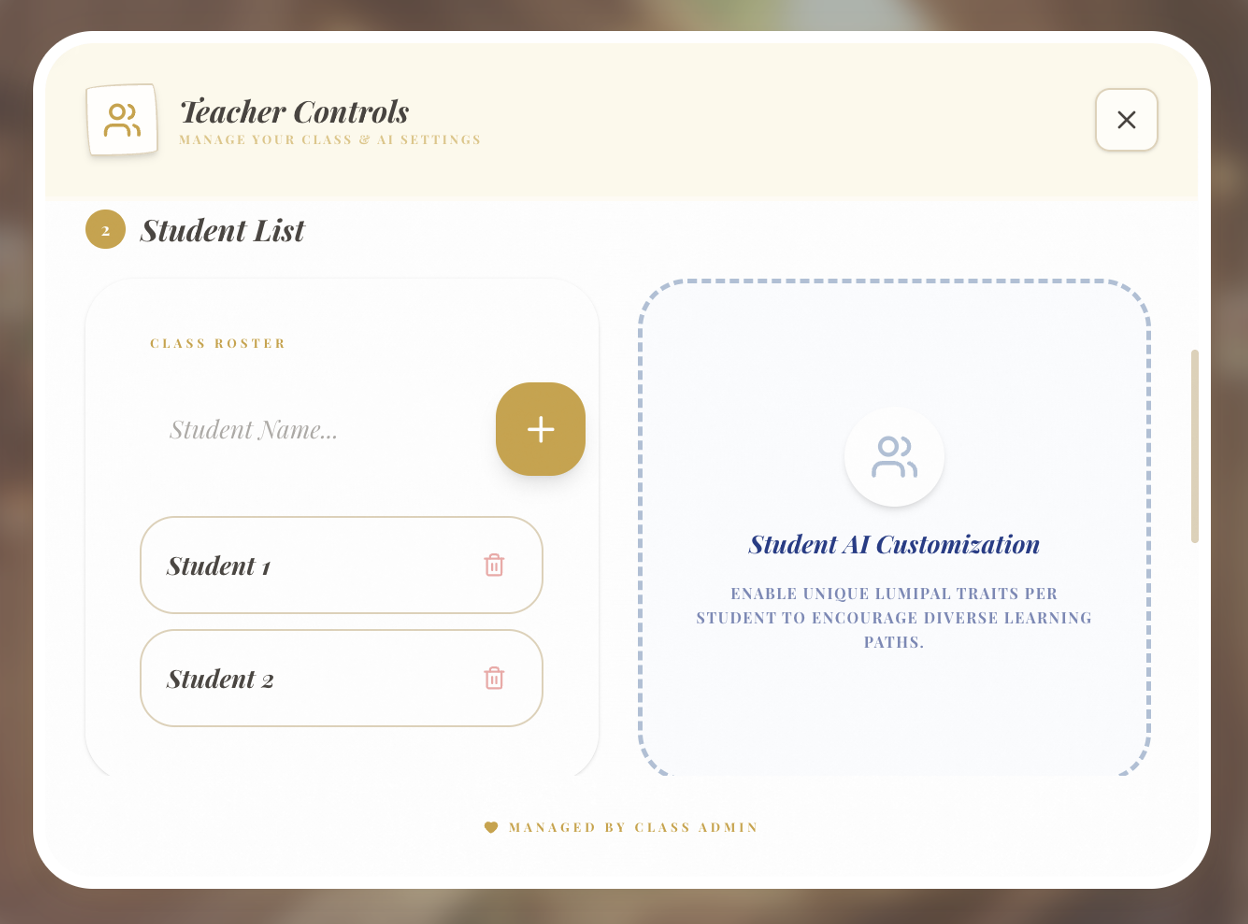
Add controls for classes, students, materials, topics, and instructional oversight.
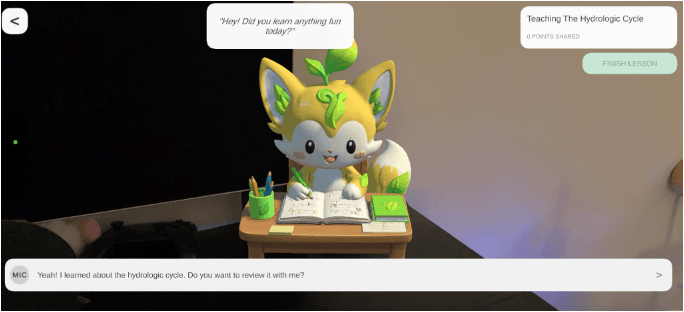
LumiPal is positioned as the learner. Children chat with LumiPal as little teachers—explaining concepts, sharing what they know, and asking questions—to review what they have learned. When they encounter barriers, LumiPal offers guiding questions that help them continue thinking and uncover gaps in their understanding.
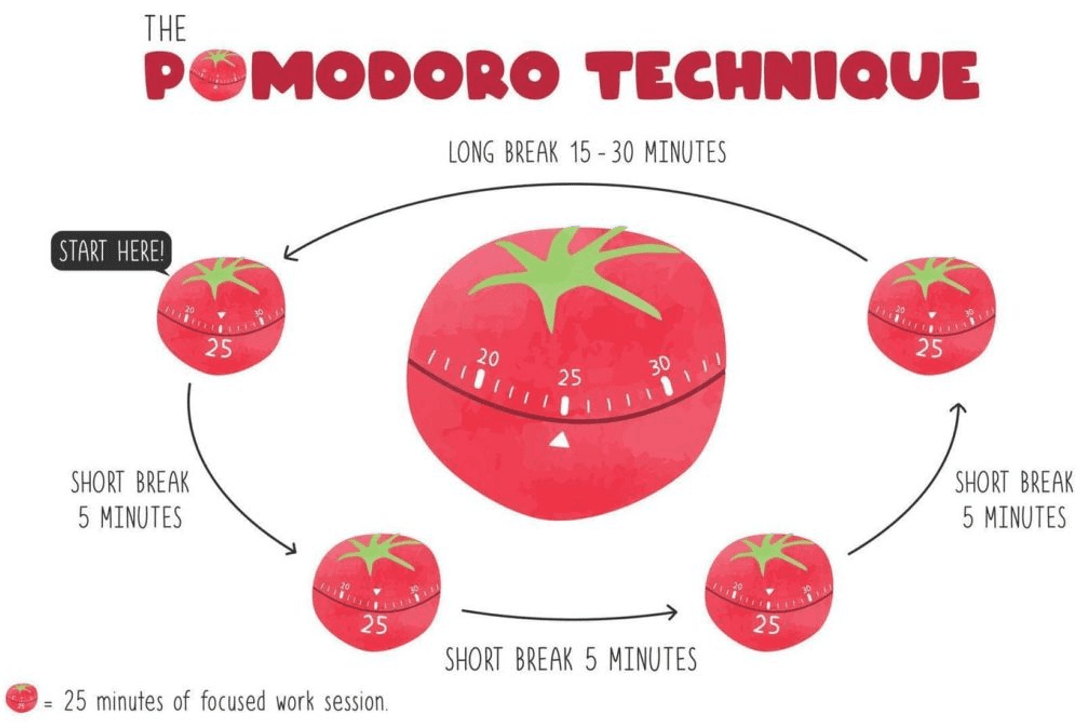
A focused 25-minute study session provides calm and structure without constantly interrupting the learner’s attention. When the session ends, LumiPal reminds the learner to take a five-minute break.
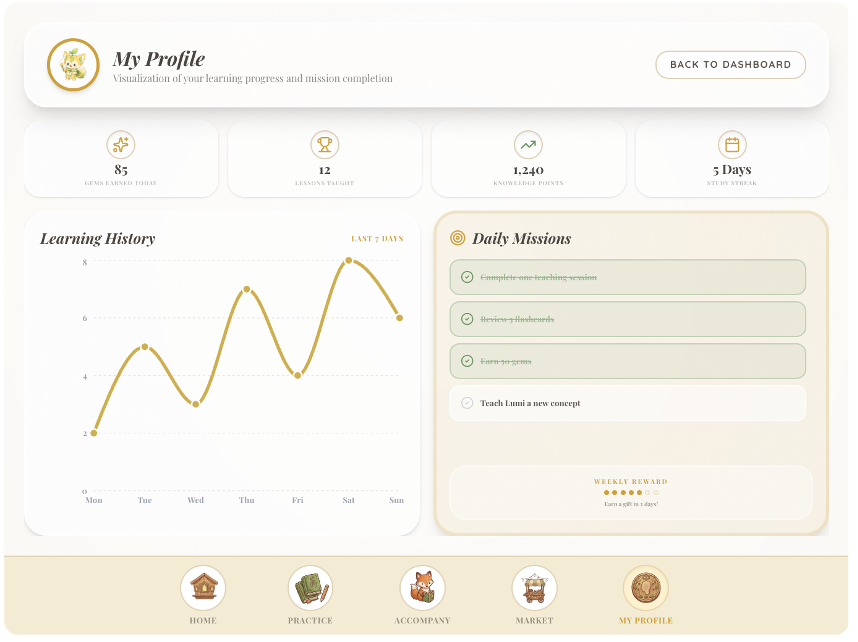
Lessons taught, knowledge points, study streaks, daily missions, and gems make progress visible without rewarding passive screen time.
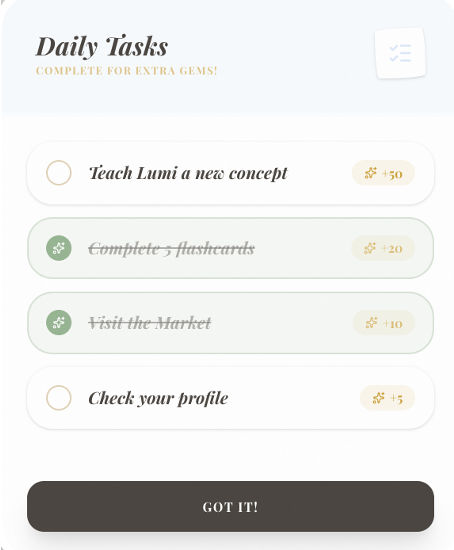
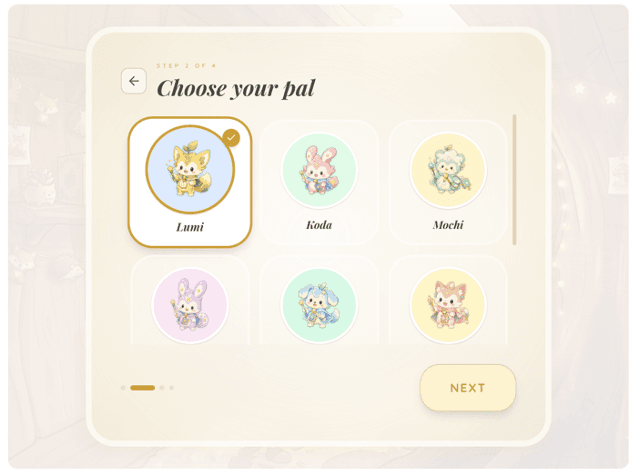
Children choose and personalize a companion with rewards earned through meaningful learning behaviors, supporting autonomy, competence, and relatedness.


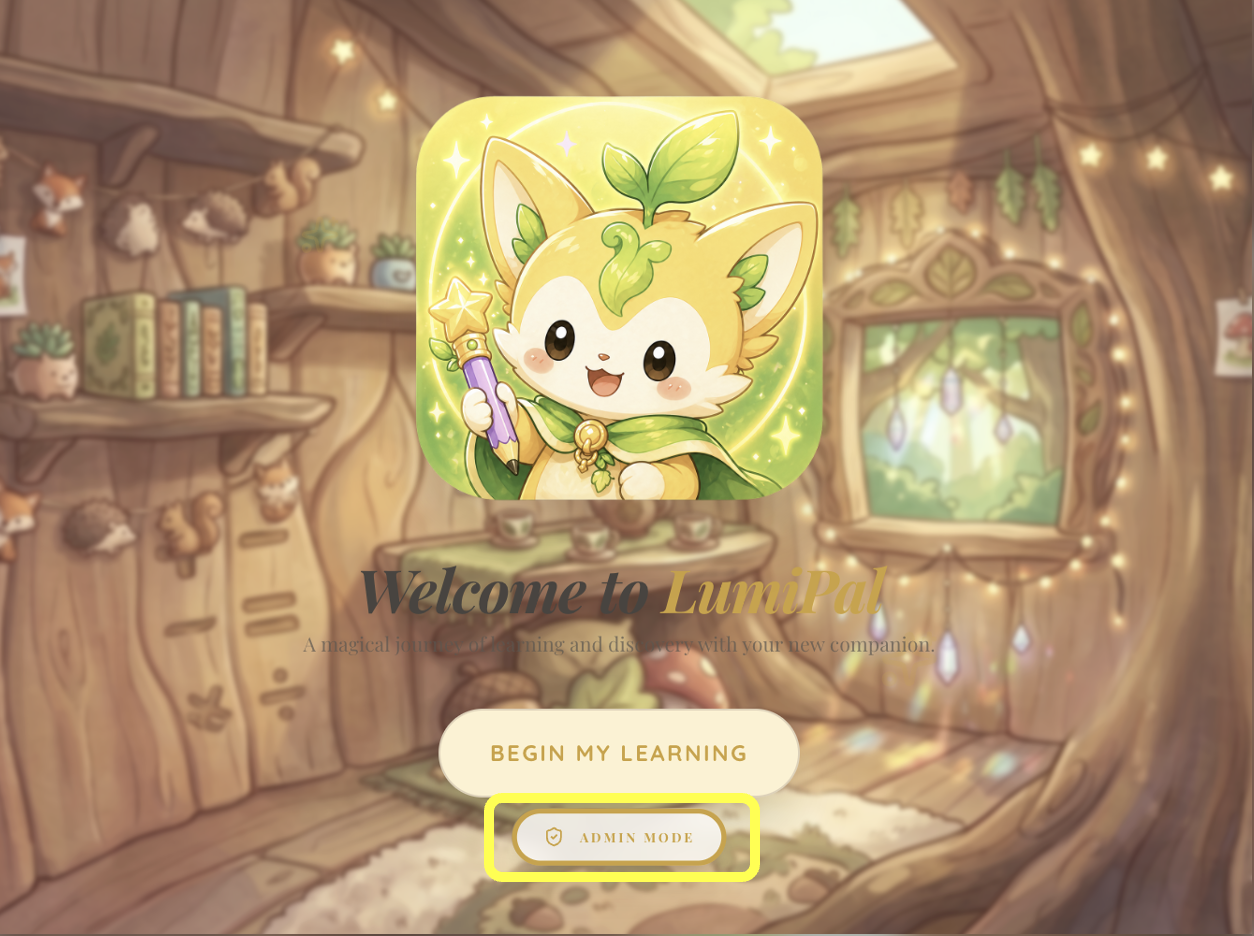
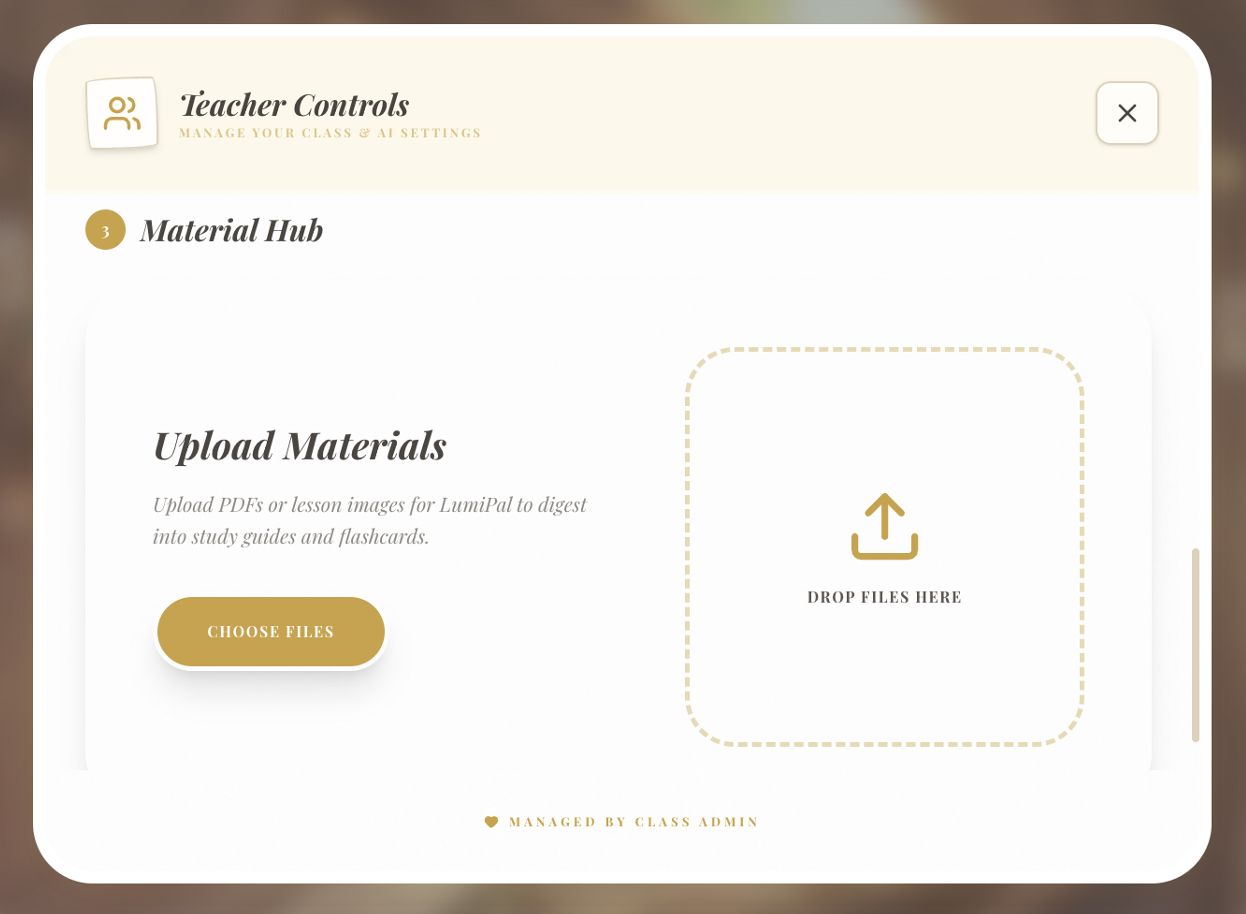
Admin Mode connects class setup, student management, learning materials, learning paths, and instructional oversight.
This design, completed as my final project for MSTU 5000: Extended Reality (XR) and Games as Learning Tools, was well received by my professor and earned me an A in the course.
Through this project, I gained valuable experience in researching and designing an XR learning experience by applying instructional design models and learning theories (e.g., ADDIE Model, Bloom's Taxonomy, and the Kirkpatrick Model) to address a real learning challenge.
Some key takeaways for me are that this experience deepened my understanding of designing learner-centered environments and EdTech user behavior. I gained insights into how students interact with educational XR tools and learning companions, improving my ability to identify user needs and design for real learning contexts.
I also learned to design and build UX prototypes through vibe coding with Figma and Codex, create character demos with Meshy, and produce AR effects in Unity.
I also learned how to balance user needs and ethical design. I learned to navigate the ethical challenges of AR- and AI-driven education, ensuring that design decisions remain user-centered and responsible.
 Experience the project